Zoho CRM and Cloud PBX Integration Capabilities
Zoho CRM helps you engage with customers, gain valuable insights into your business, build scalable sales processes, and grow your company faster.
If you haven’t integrated Zoho CRM with Cloud PBX yet, check out the integration guide and set it up right now:
1. Customer Pop‑Up Card on Incoming Calls
The widget appears directly in the Zoho CRM interface on the first ring. Even before the manager clicks Answer, they will already see:
- the customer’s first and last name (if the contact is already saved in the CRM);
- the name of the employee responsible for the customer;
- the phone number the customer is calling from;
- active deals with this customer (if any).
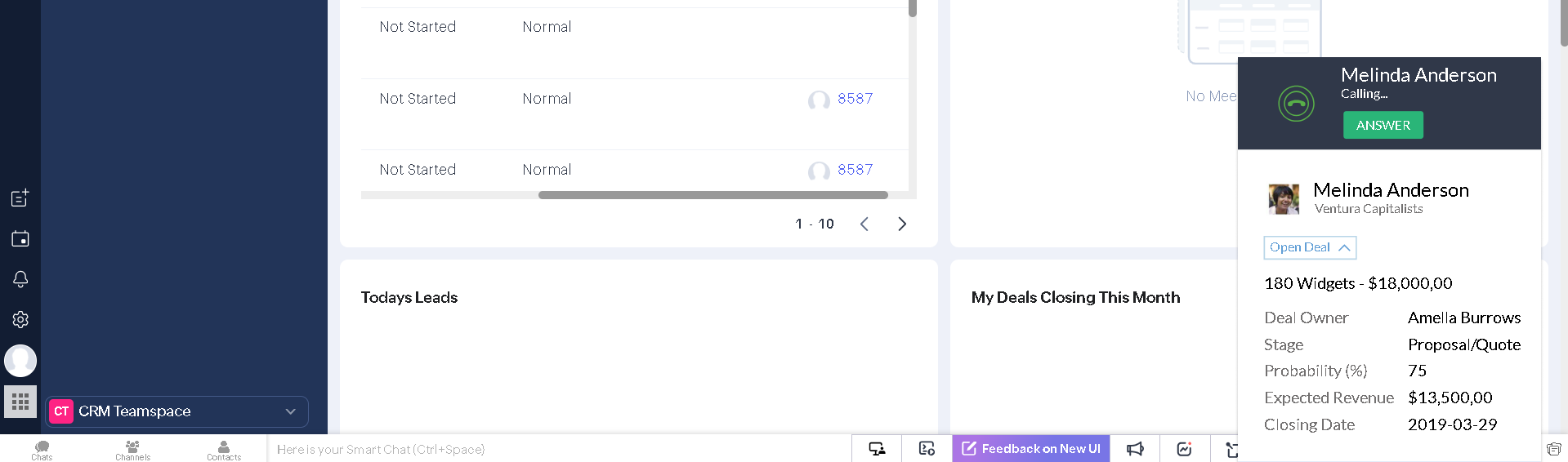
As soon as the manager answers the call, they can greet the customer by name — there’s no need for the caller to introduce themselves or repeat details from previous interactions with your company. Customers appreciate being remembered, and this significantly increases loyalty. Even if the number isn’t recognized, after answering the call, you can leave a comment and create a deal and/or invoice directly during the conversation.
2. Click-to-Call
The Zoho CRM and Cloud PBX integration reduces manual work and helps you close more sales. There are several ways to make a call from Zoho:
- From the contact list: click the green button next to the contact’s phone number.

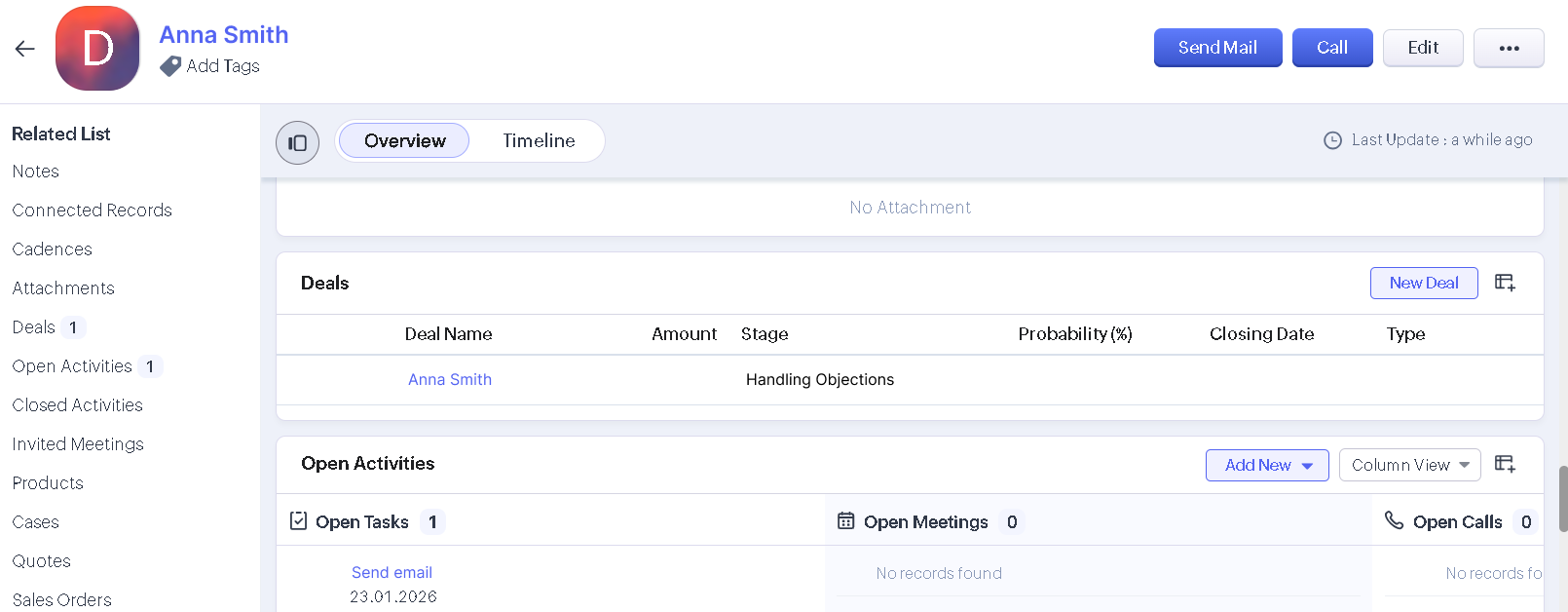
- From the contact or call card: click the Call button in the top right corner or the green button next to the customer’s number.

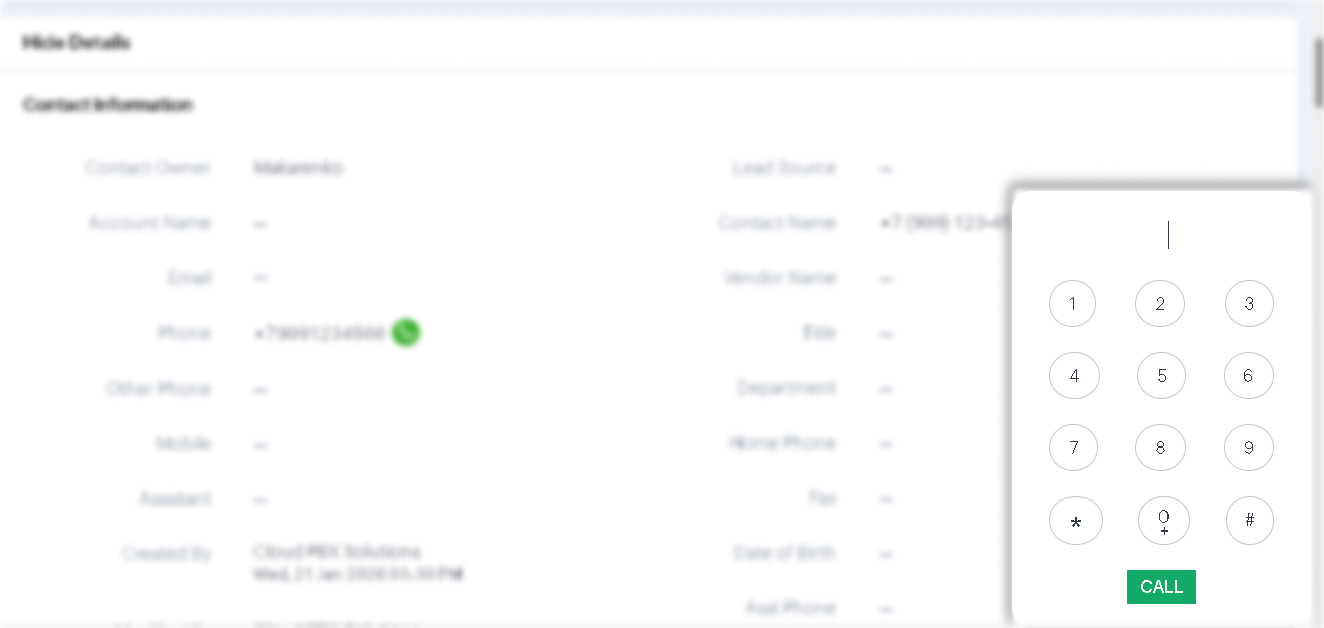
- Using the dialer. Click the dialer icon and enter the required number.

3. Automatically Create Deals, Contacts, and Tasks
One of the key rules of a successful business is logging every call and every caller. Even if your manager forgets or doesn’t have time to create a contact or deal, you won’t lose that customer. The required contact and deal information will be automatically saved in Zoho CRM, and the manager can return to it at any time to continue working with the customer.
Based on your business needs, you can configure which events are triggered automatically in Zoho CRM for each type of call (incoming or outgoing, successful or unsuccessful, from a familiar or an unknown number). Zoho CRM can automatically create:
- a new lead;
- a new contact and deal;
- a new contact;
- a task for the employee responsible for the customer or an attendant.
4. All Calls Are Logged in the Call History and Contact Card
If the call history and recordings are enabled in your Cloud PBX, all calls will be sent to Zoho:
- to the contact card;
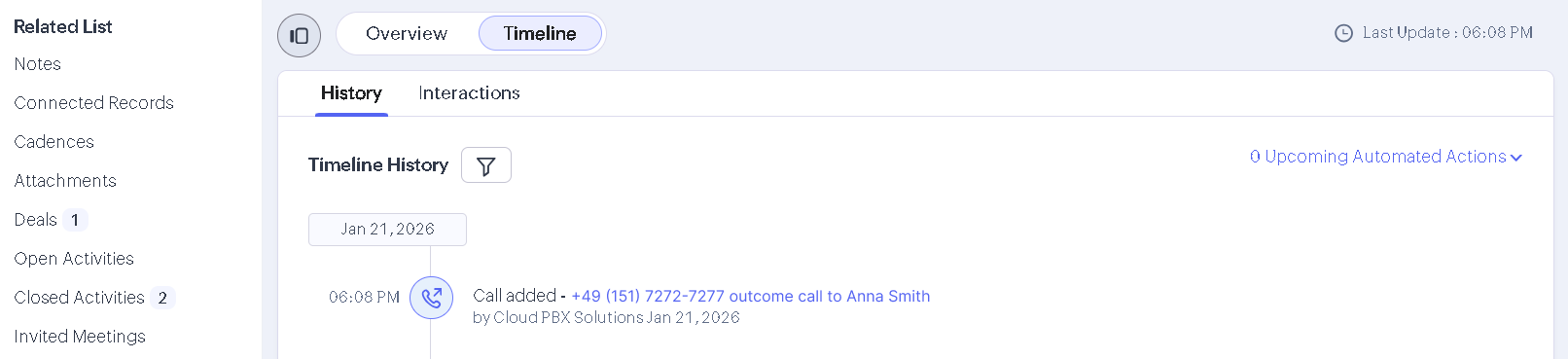
- to the call history.

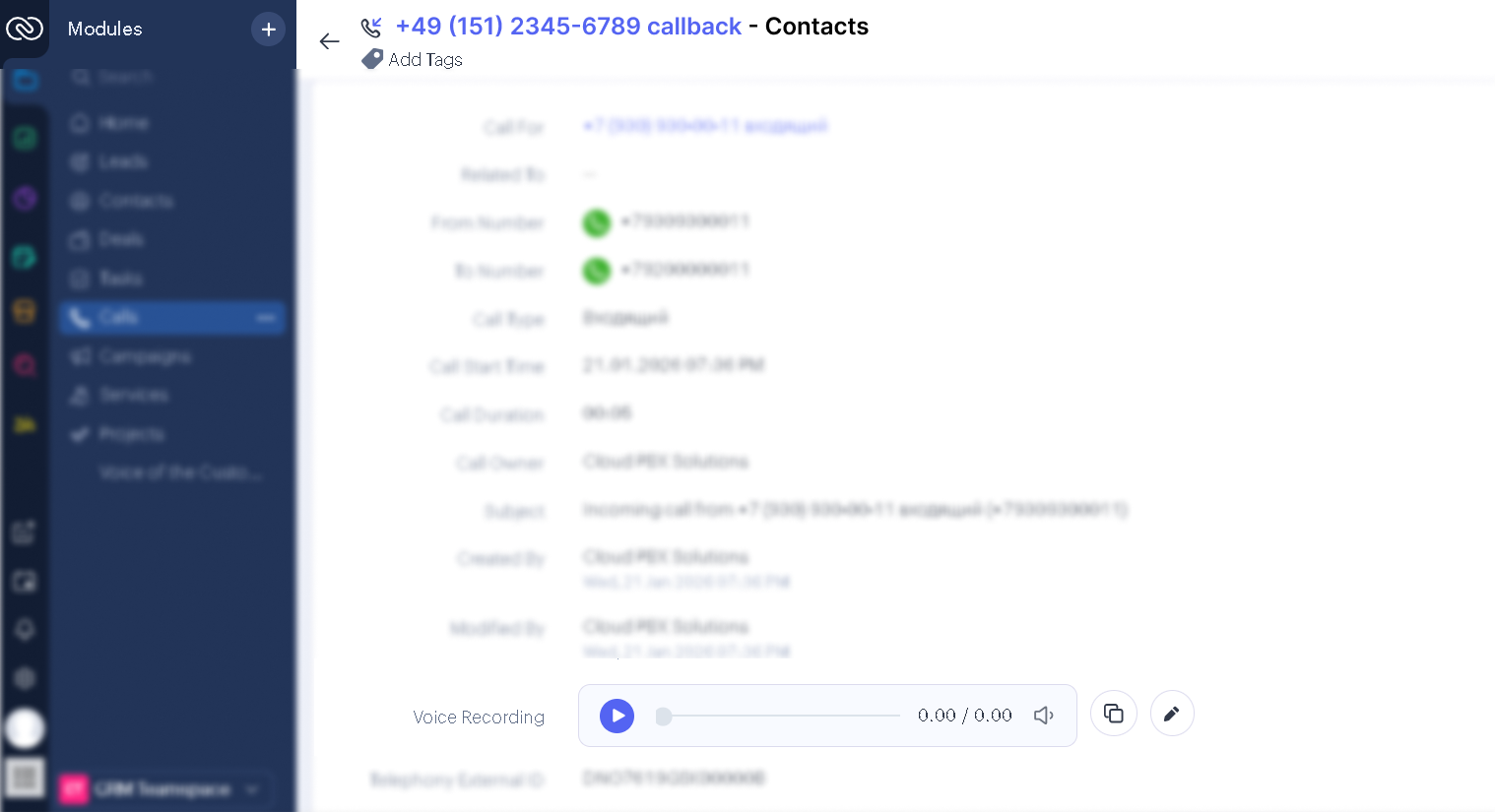
You can listen to call recordings at any time — just click the call and then click the play icon in the window that opens. This helps supervisors monitor customer service quality and encourages managers to communicate more politely and professionally, knowing their conversations are recorded.
Make it easier
We recommend logging key customer details and your agreements in the contact card after each conversation, and creating tasks to move the deal to the next stage on time.5. Automatic Routing of Customers to Their Personal Managers
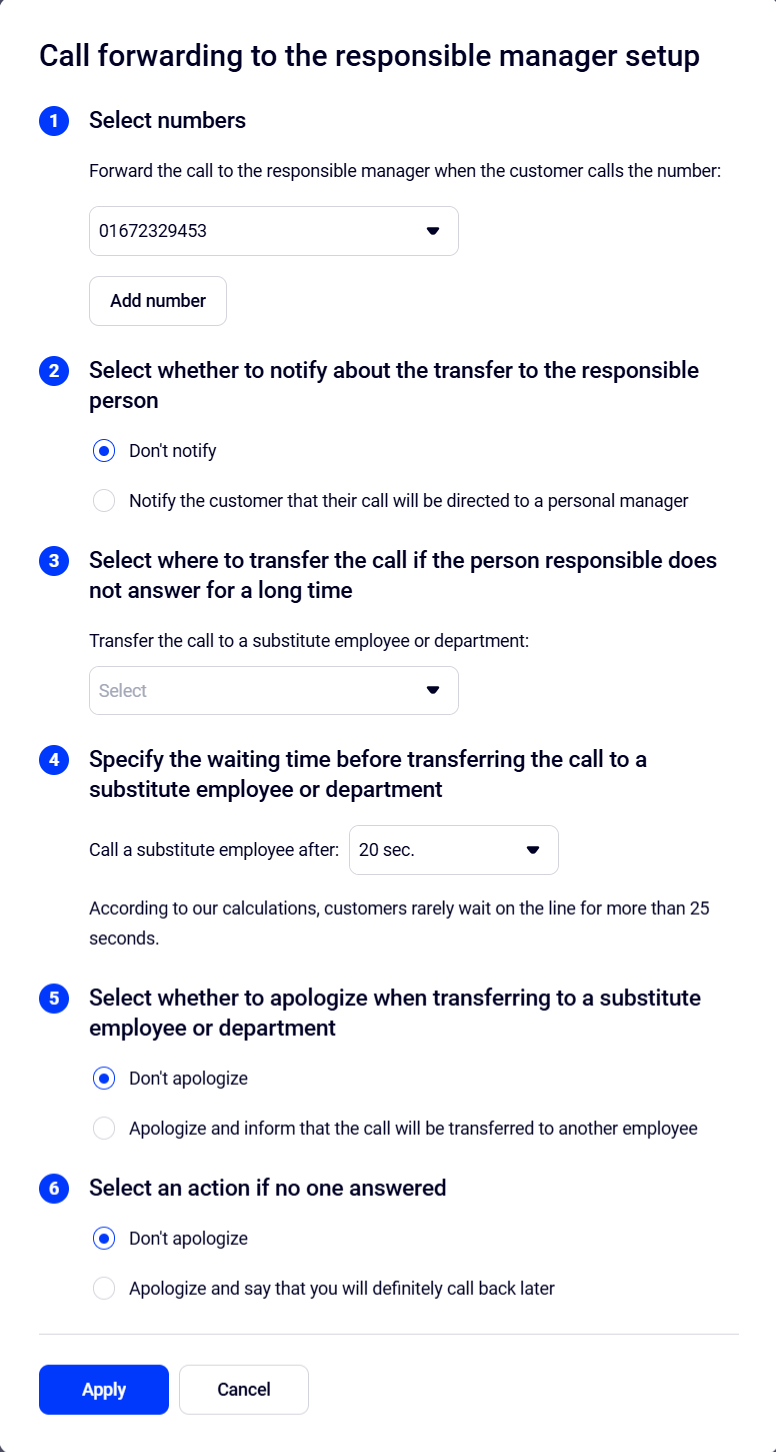
If you assign personal managers to customers, you can connect them automatically — the customer won’t need to navigate an IVR or speak with a receptionist or other managers. As soon as your company receives a call, Cloud PBX will route it to the employee responsible for that customer.