End-to-End Analytics in Bitrix24
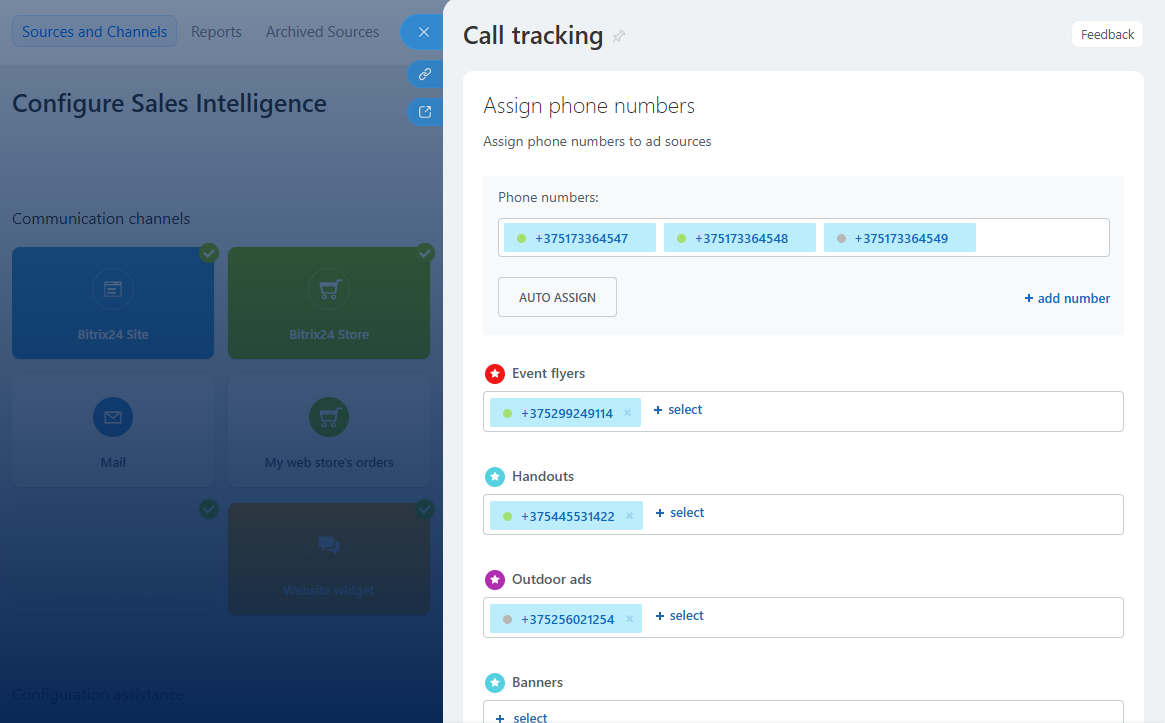
In the Sales Intelligence section of your Bitrix24 account, select Call Tracking. You can set up traffic sources there (websites, social media, banners, etc.) and link numbers from your Cloud PBX to those sources.
Choose the Reports section.
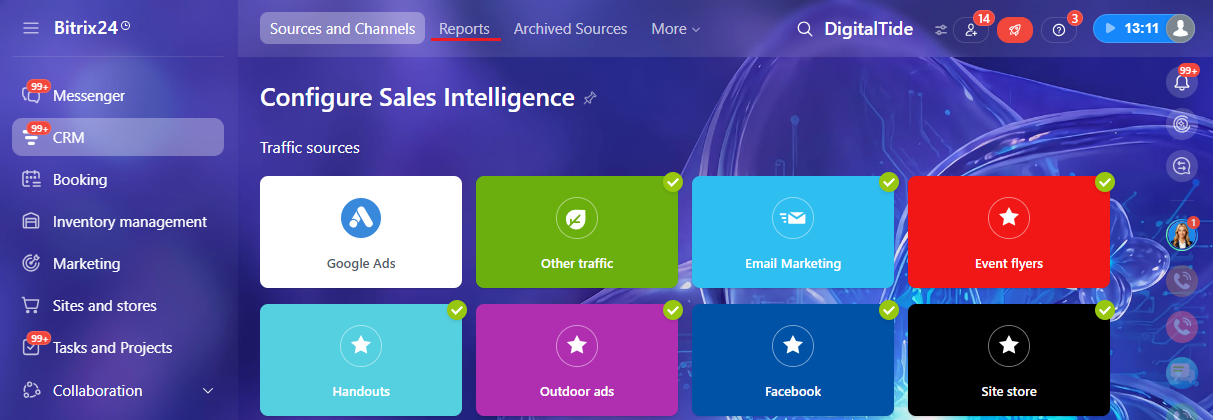
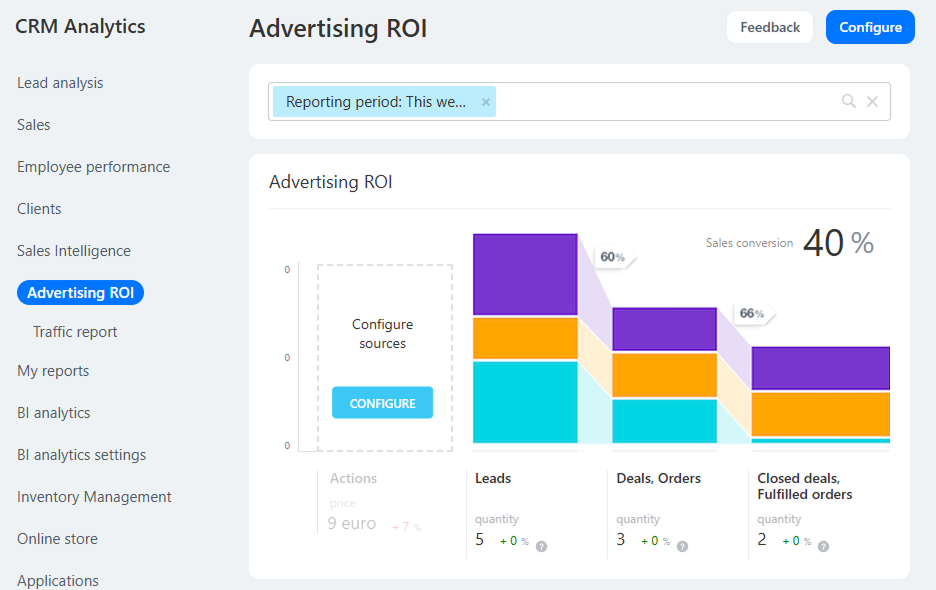
When customers call numbers assigned to specific traffic sources, lead and deal data related to those sources will be logged in two reports of the Sales Intelligence tab:
- Advertising ROI.
- Traffic report.
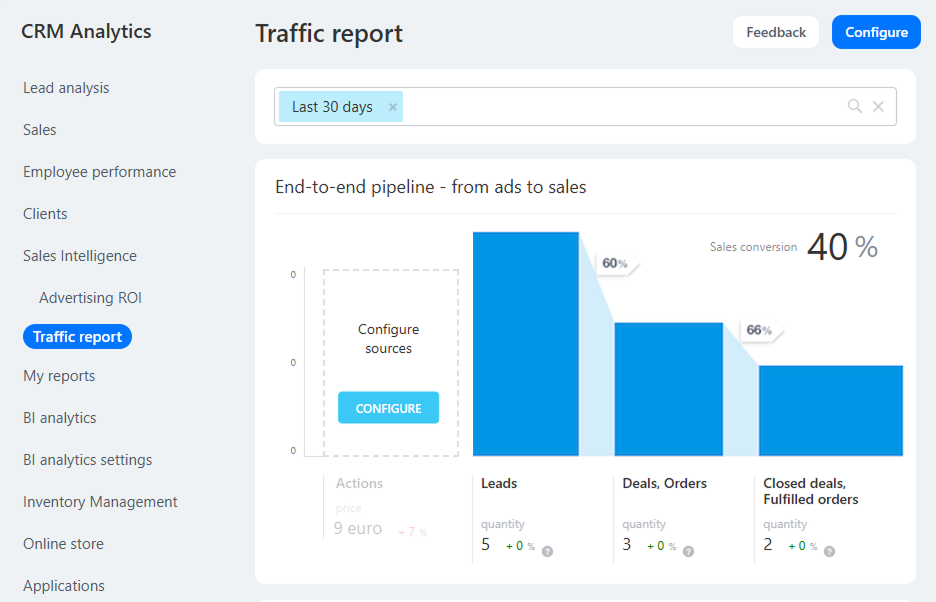
Now go to CRM — Leads.
In the Leads list, you will see the customer journey that brought them to your company.
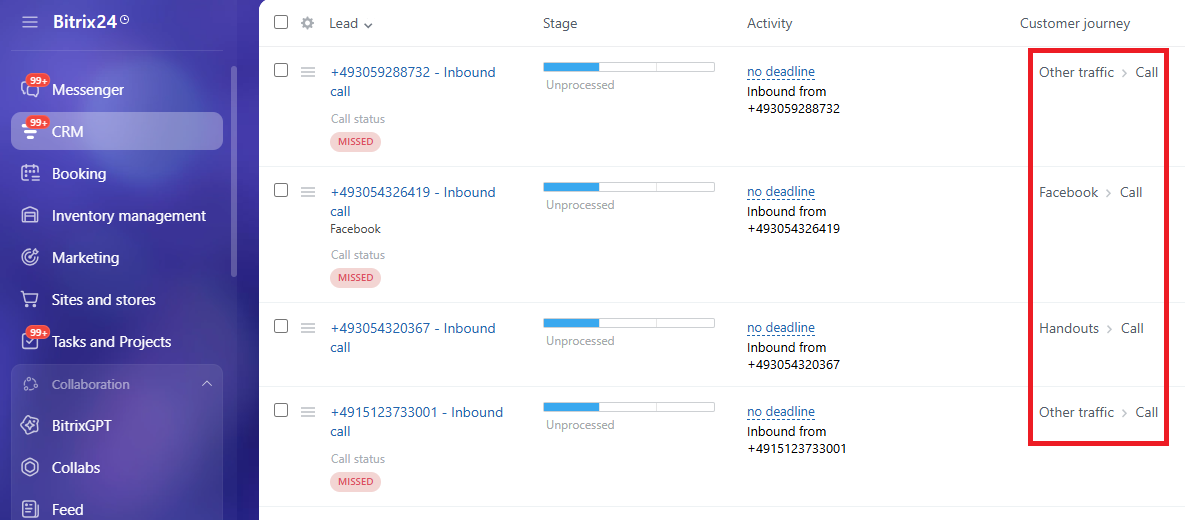
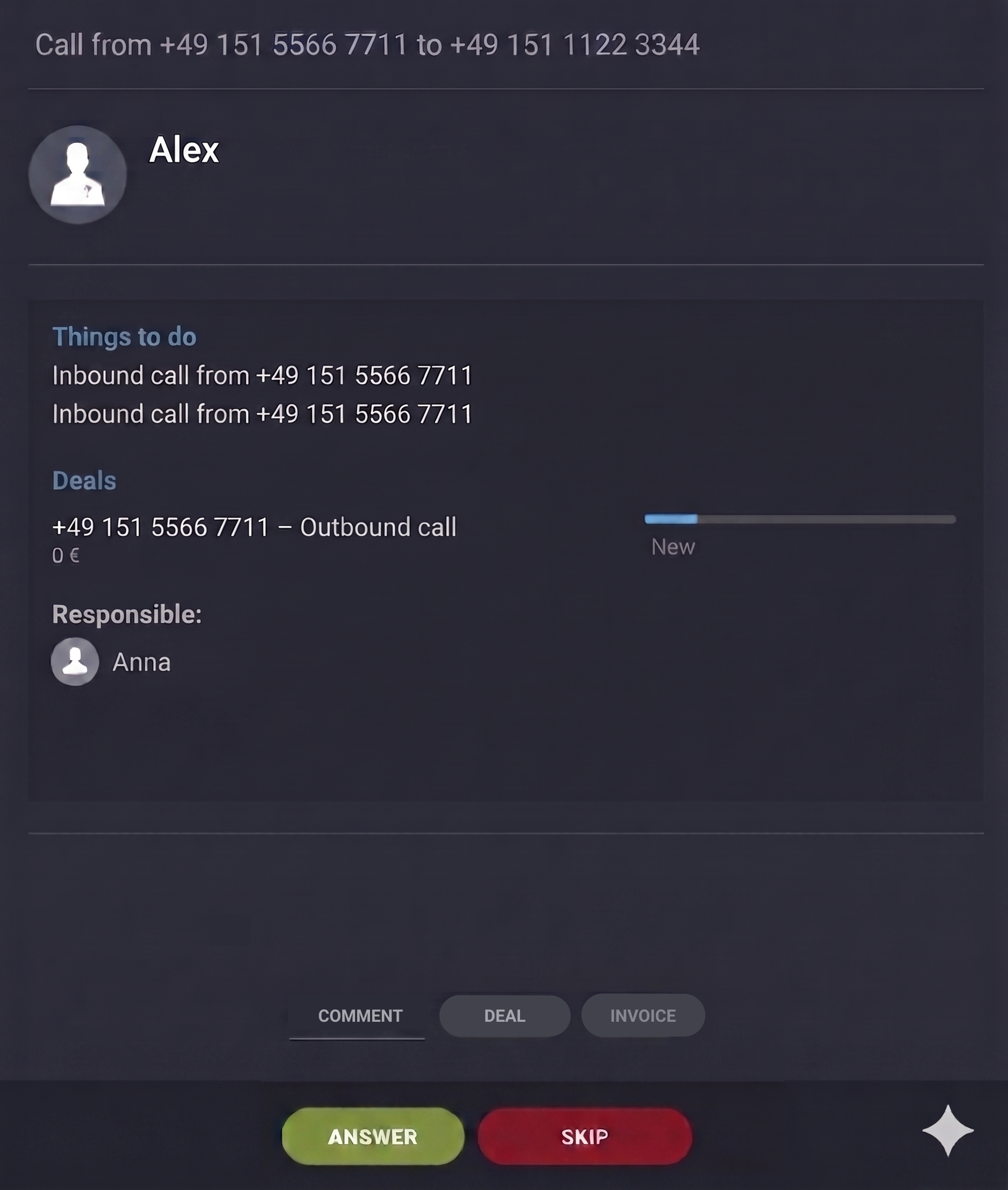
In the pop-up contact card, the phone number the customer dialed will be displayed: