Potential Issues in Cloud PBX–Bitrix24 Integration
- How do I enable automatic lead creation for calls from unknown numbers and route calls to personal managers?
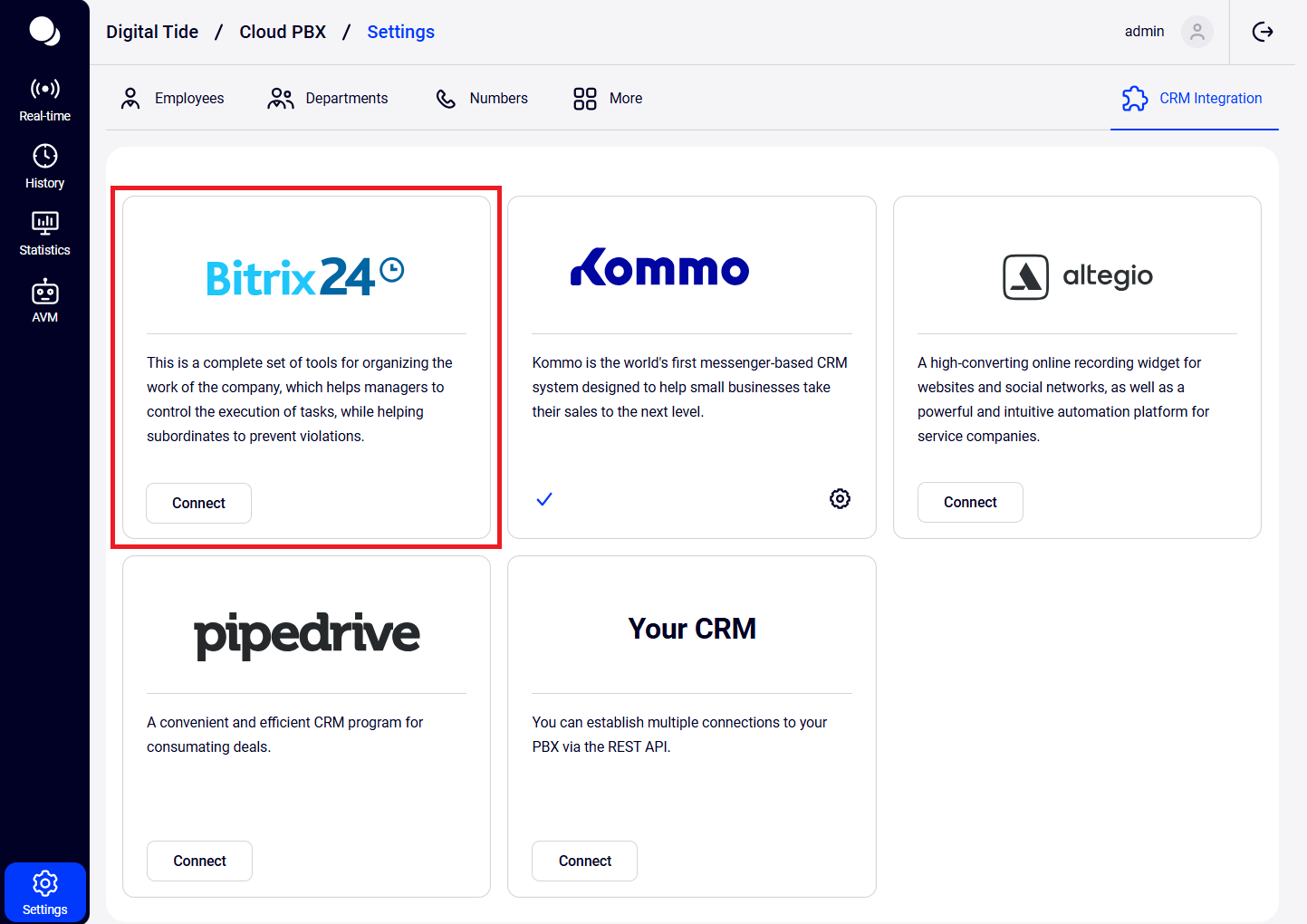
Go to Cloud PBX, open Settings — CRM Integration — then click the Bitrix24 logo — and configure the settings.
- Is integration with the on‑premise version of Bitrix24 available?
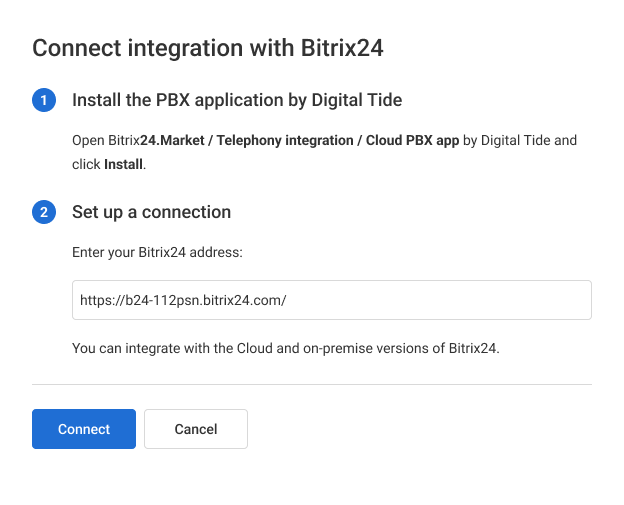
Yes, you can use the full integration functionality with the on‑premise version of Bitrix24. During setup, just select the on‑premise integration option and enter your Bitrix24 address.
- The integration is not working: call cards do not pop up, calls cannot be made
Make sure the integration is enabled and functioning properly, and that all users are mapped (see step 6 in the setup guide). You can also try disabling the integration and then reconfiguring it. If the issue persists, send a detailed description of the problem to support.
- “Something went wrong” when mapping users with the on‑premise version of Bitrix24
Make sure your domain has an SSL certificate. Use the following link to check your SSL certificate: <https://www.sslshopper.com/ssl-checker.html>